
Digital eye strain — protecting your eyes during screen work
- #eye care
- #screens
- #eye strain
- #children's vision
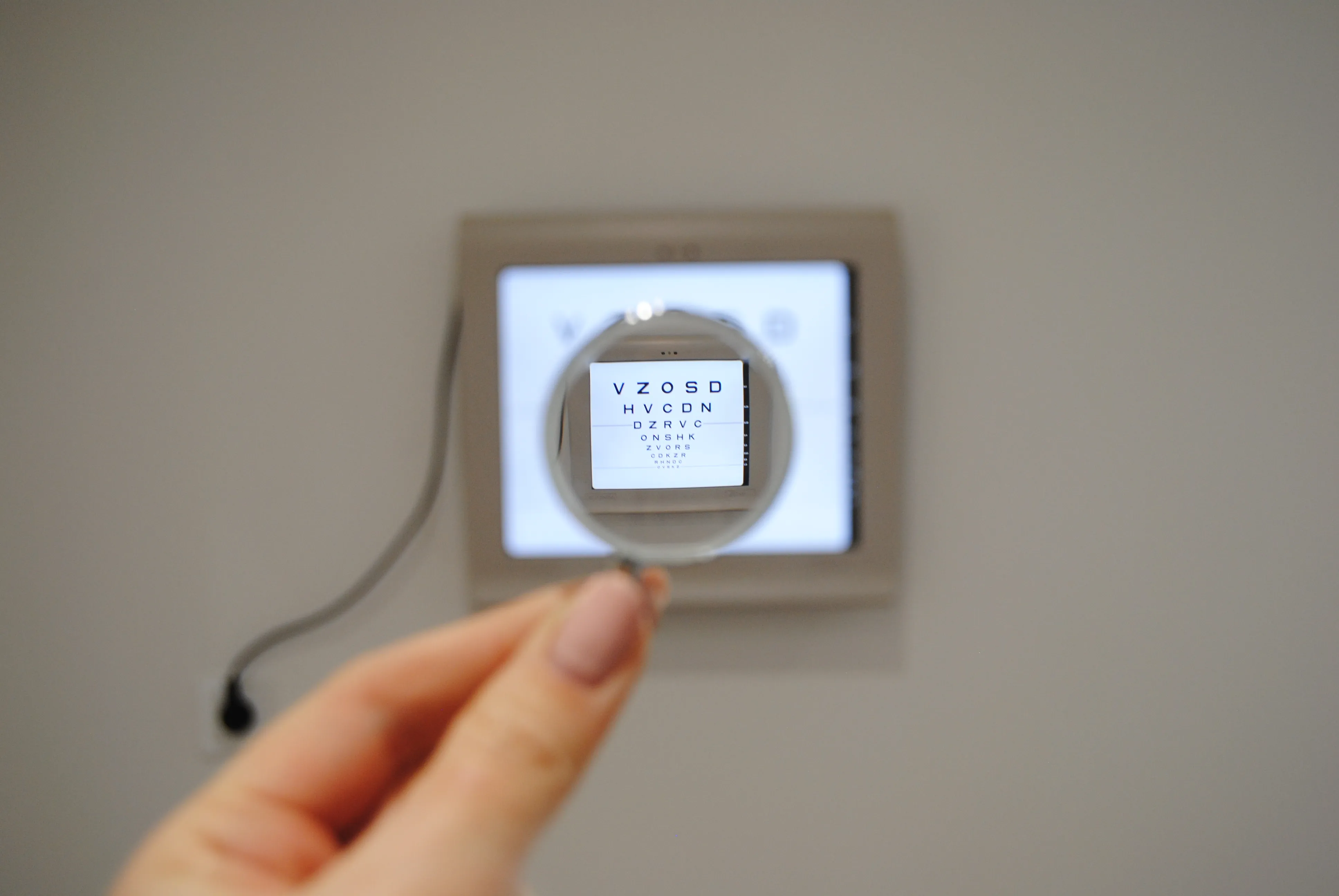
A few hours at the computer, then the phone, and a tablet in the evening — and your eyes let you know they’ve had enough: they burn, feel dry, the image blurs now and then, and a headache creeps in. This is digital eye strain (computer vision syndrome). It affects adults and, increasingly, children — but a few simple habits can genuinely bring relief.
What is digital eye strain?
It’s a cluster of eye and vision complaints that appear during prolonged near work with a screen. According to a review of the research, symptoms affect roughly half or more of heavy screen users and fall into two groups: those linked to the effort of accommodation and binocular vision, and ocular-surface symptoms caused by the eye drying out.
Where does it come from?
- Blinking less, and incompletely. Staring at a screen, we blink less often and only “halfway”. In studies, symptom severity was associated above all with the number of incomplete blinks — it’s the full blink that spreads the tear film and protects the cornea.
- Constant near effort. Hours of looking at the same distance load accommodation and convergence. When either function is struggling, symptoms are stronger.
Symptoms worth noticing
- burning, dryness, a “gritty” feeling under the eyelids,
- intermittent blurring, especially when shifting focus,
- headache and sore eyes after screen work,
- in children — eye rubbing, reluctance to read, drops in concentration.
What genuinely helps — based on research
The 20-20-20 rule and regular breaks
Every 20 minutes of near work, take a 20-second break looking at something at least 6 metres (20 feet) away. In a randomised trial, breaks supported by reminders eased the symptoms of eye strain and dryness. An important takeaway: the benefit lasted as long as the breaks were kept up — so it’s worth turning them into a lasting habit (for example, setting a reminder).
Ergonomics and less screen time (especially for children)
For children and young screen users, what works best is optimising ergonomics and limiting daily screen time. Interestingly, in the same research blue-light-filtering glasses did not prevent the symptoms — more on that in a separate post: Blue-light-filtering glasses — do they really help?.
Practical everyday tips
- keep the screen at or slightly below eye level, about 50–70 cm away (phone/book about 30–40 cm),
- good, even lighting with no glare on the screen,
- conscious, complete blinking and, if dryness persists, artificial tears (chosen by a specialist),
- breaks to move and look into the distance — and for children, above all time outdoors.
Eye strain at the screen is a signal, not a sentence — it usually eases once habits change and, where needed, with correction or vision therapy.
When to see a specialist?
If symptoms persist despite good habits, it’s worth checking whether accommodation or convergence problems, or an uncorrected refractive error, are behind them. During an examination I assess near and binocular vision and, if needed, suggest exercises or correction.
Are tired eyes bothering you? Get in touch.
Sources
- Sheppard AL, Wolffsohn JS. (2018). Digital eye strain: prevalence, measurement and amelioration. BMJ Open Ophthalmology. PubMed
- Portello JK, Rosenfield M, Chu CA. (2013). Blink rate, incomplete blinks and computer vision syndrome. Optometry and Vision Science. PubMed
- Talens-Estarelles C, et al. (2023). The effects of breaks on digital eye strain, dry eye and binocular vision: Testing the 20-20-20 rule. Contact Lens & Anterior Eye. PubMed
- Mataftsi A, et al. (2023). Digital eye strain in young screen users: A systematic review. Preventive Medicine. PubMed